Back to marketplace
Screen Mirror Shader
Modrinth Shader

Screen Mirror Shader

A shader that allows you to rotate the image in the game vertically, horizontally and more

Minecraft product info

Important product information

Compatibility, Minecraft versions, loaders, and external source data.

Type

Shader

Access

Free

Latest version

1.0

Downloads

12 573

Loaders / Platforms

iris optifine

Minecraft versions

1.16 – 1.21.10

Categories

potato vanilla-like

Description

Detailed information

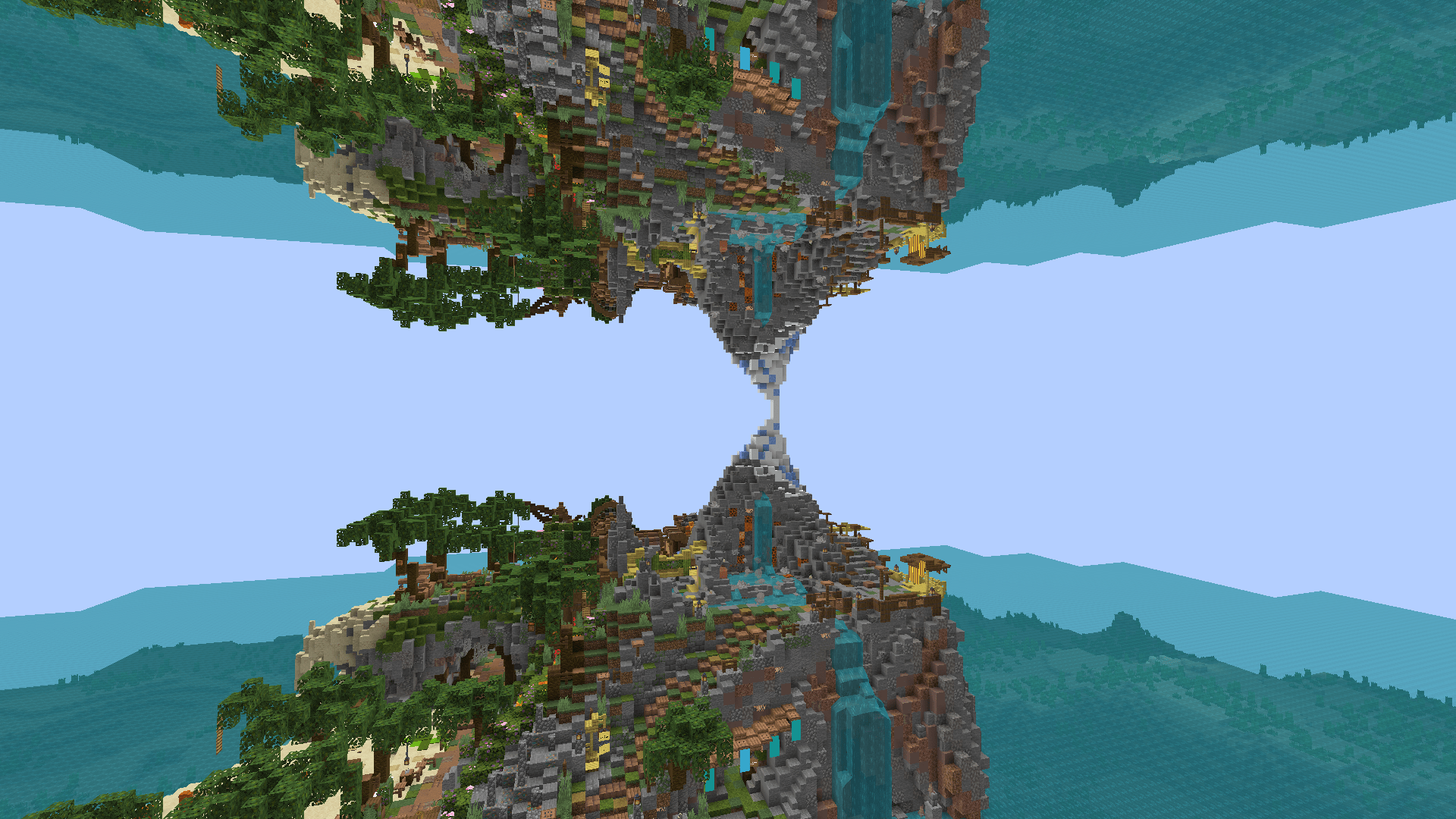
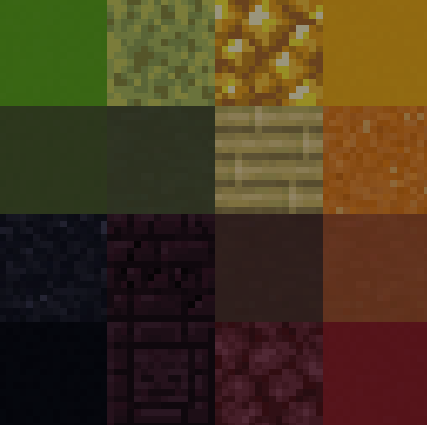
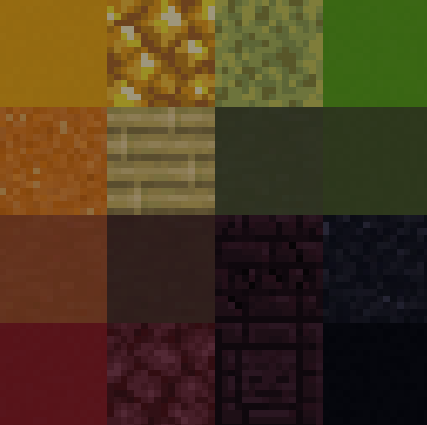
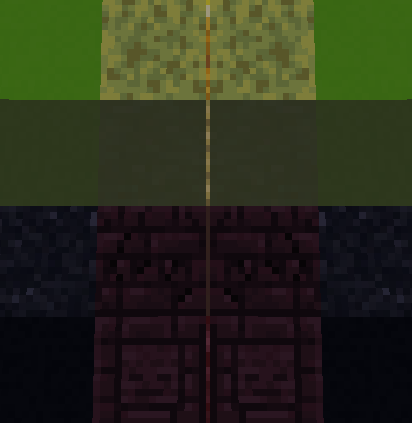
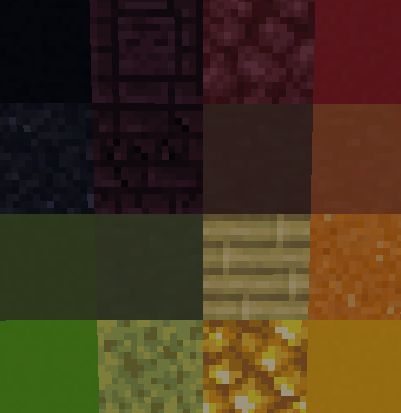
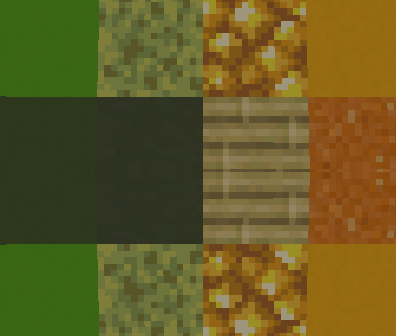
# Screen Mirror Shader 🪞 ### **🔔 Note: Only the visuals are mirrored. Player controls and UI remain normal — your movement will not be reversed.** **Screen Mirror Shader** adds customizable horizontal and vertical mirroring effects to your Minecraft visuals. Whether you're aiming for artistic screenshots, experimental gameplay visuals, or simply want to play in a fully mirrored world — this shader gives you full control over how the screen is reflected. ## 🖼️ Preview ![preview](https://cdn.modrinth.com/data/cached_images/3ab4d206f2b1d49e185dc7b49a62739c2178d62e.png) ## ✨ Features 🔁 Horizontal Symmetry Mirror the screen from right to left, or across the center axis. 🔃 Vertical Symmetry Mirror the screen from bottom to top, or across the center axis. 🧩 Combine Symmetry Modes Horizontal and vertical mirroring modes can be combined freely for unique visuals. ## ❓How it works ### No mirroring ![No mirroring](https://cdn.modrinth.com/data/cached_images/c506743d007c94e0396d8d7ecdbb7a4f1dd995f2.png) ### Horizontal mirror across the entire screen ![Horizontal mirror across the entire screen](https://cdn.modrinth.com/data/cached_images/b37362b8950bdbc5b8559812f517c47e492d8aaf.png) ### Mirrors across the vertical center ![Mirrors across the vertical center](https://cdn.modrinth.com/data/cached_images/75914a1c9eea46bf8104e29b629d88d6b637e2fe.png) ### Vertical mirror across the full screen ![Vertical mirror across the full screen](https://cdn.modrinth.com/data/cached_images/d334de9407c7acd7d54a1b547c8bb0b09cabb9e6.png) ### Mirrors across the horizontal center ![Mirrors across the horizontal center](https://cdn.modrinth.com/data/cached_images/34220eeee748f33a91004fd5658e14a96835612e.png) ## ⚙️ Installation 1. Install Iris or OptiFine. 2. Download and place the shader pack into your shaderpacks folder. 3. Launch Minecraft and select the shader in the options menu. 4. Adjust symmetry settings in the shader options to your preference. ## 📄 License Released under the MIT License. You are free to modify, distribute, or include this shader in larger shaderpacks or modpacks.
Developer

playsi_

Profile and data retrieved from Modrinth

Open on Modrinth

Product gallery

Project images

Screenshots and images from the original Modrinth page.

New way to see the world

cave

kaleidoscope

landscape

left - right mirrored

Change log

Project versions

Published versions and original Modrinth files.

1.0 Current Release 29.06.2025

1.0 Stabile

Supported Minecraft versions
1.16 1.16.1 1.16.2 1.16.3 1.16.4 1.16.5 1.17 1.17.1 1.18 1.18.1 1.18.2 1.19 1.19.1 1.19.2 1.19.3 1.19.4 1.20 1.20.1 1.20.2 1.20.3 1.20.4 1.20.5 1.20.6 1.21 1.21.1 1.21.2 1.21.3 1.21.4 1.21.5 1.21.6 1.21.7 1.21.8 1.21.9 1.21.10
Loaders / Platforms
iris optifine
Show changes
# First stabile version - Horizontal mirroring - Vertical mirroring
Sign in

0.01 MB