# Phial
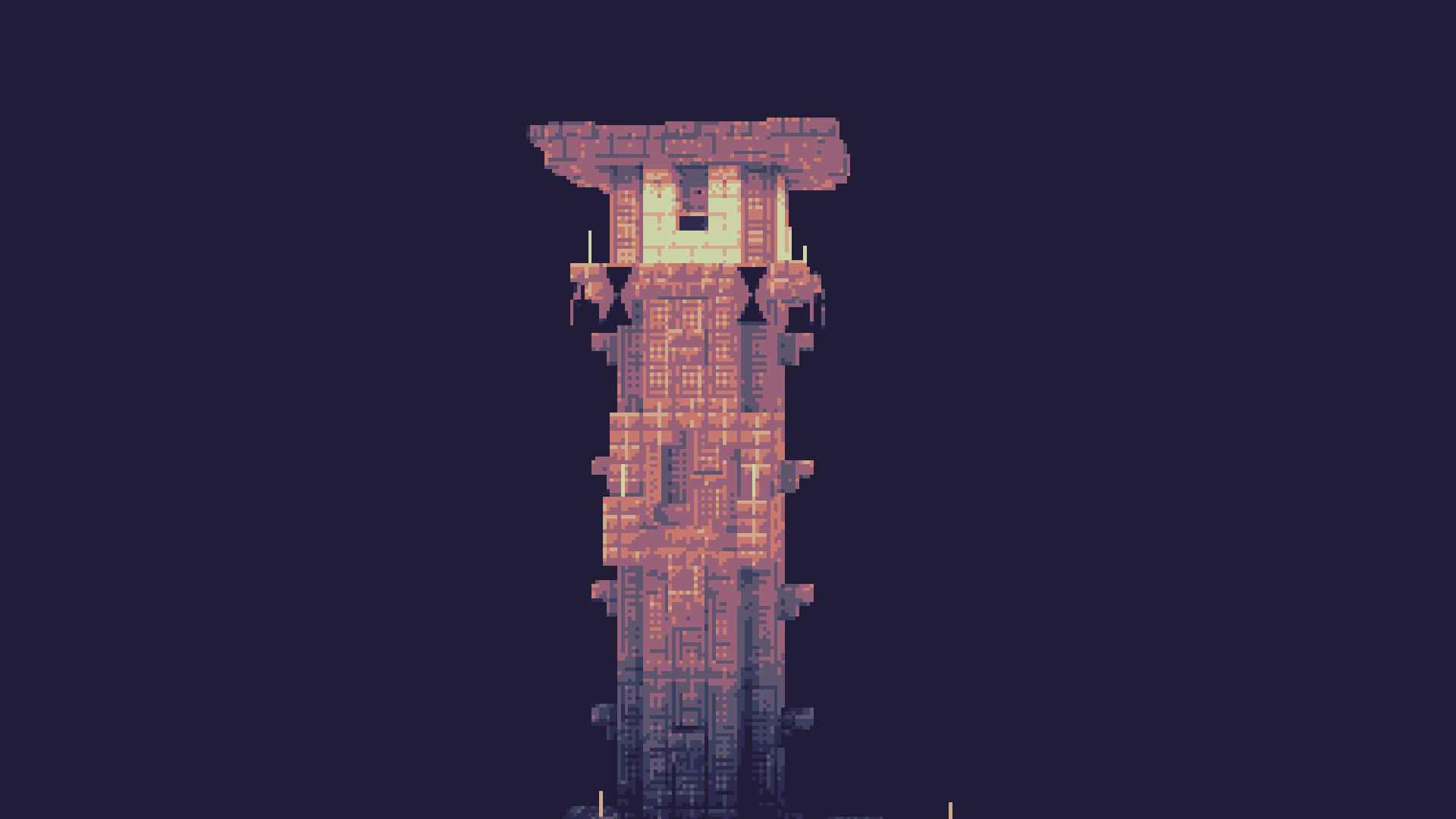
Phial is a work-in-progess shader that aims to add several post-processing options to mimic pixel art.
As of the latest version it has:
- Color quantization to limit the screen colors to a arbitrary color palette. (defaults to the [Ressurect 64](https://lospec.com/palette-list/resurrect-64) palette)
- Customizable pixel mapping to lower the screen resolution
- Ordered dithering
- Customizable vignette
## Custom Palettes
To input custom palettes, you can unzip the shader and locate the palette file at:
```
shaders\assets\palette.glsl
```
This requires a special format of storing colors, namely a vector 3 normalized GLSL array. To quickly convert a list of hex colors to this format, you can use the following site:
https://snorfield.github.io/palette-to-shader/
Once converted, you can simply open the `palette.glsl` file in a text editor such a notepad and replace the contents. Don't forget to save!
All you need to do to see the changes is reload the shader.